Chapter I
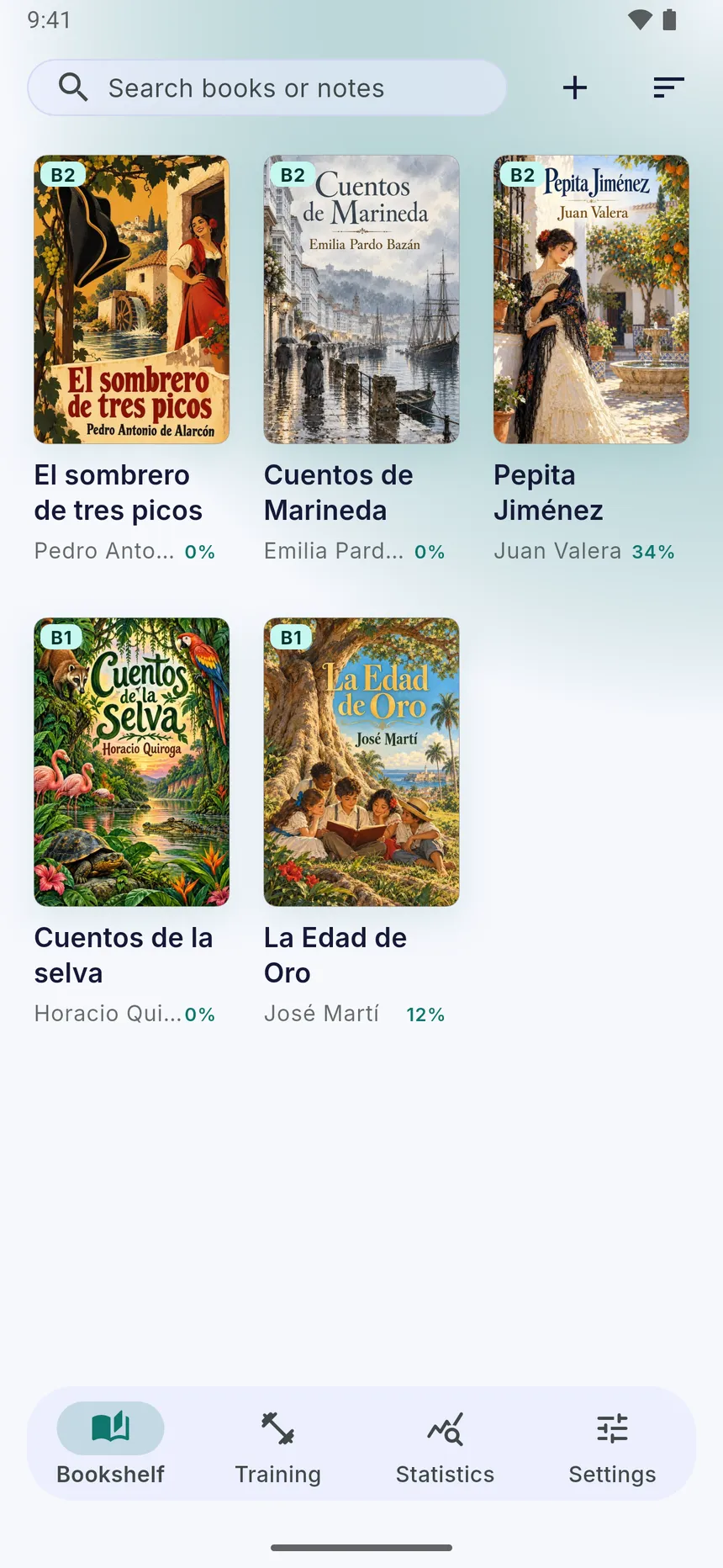
Pick a book
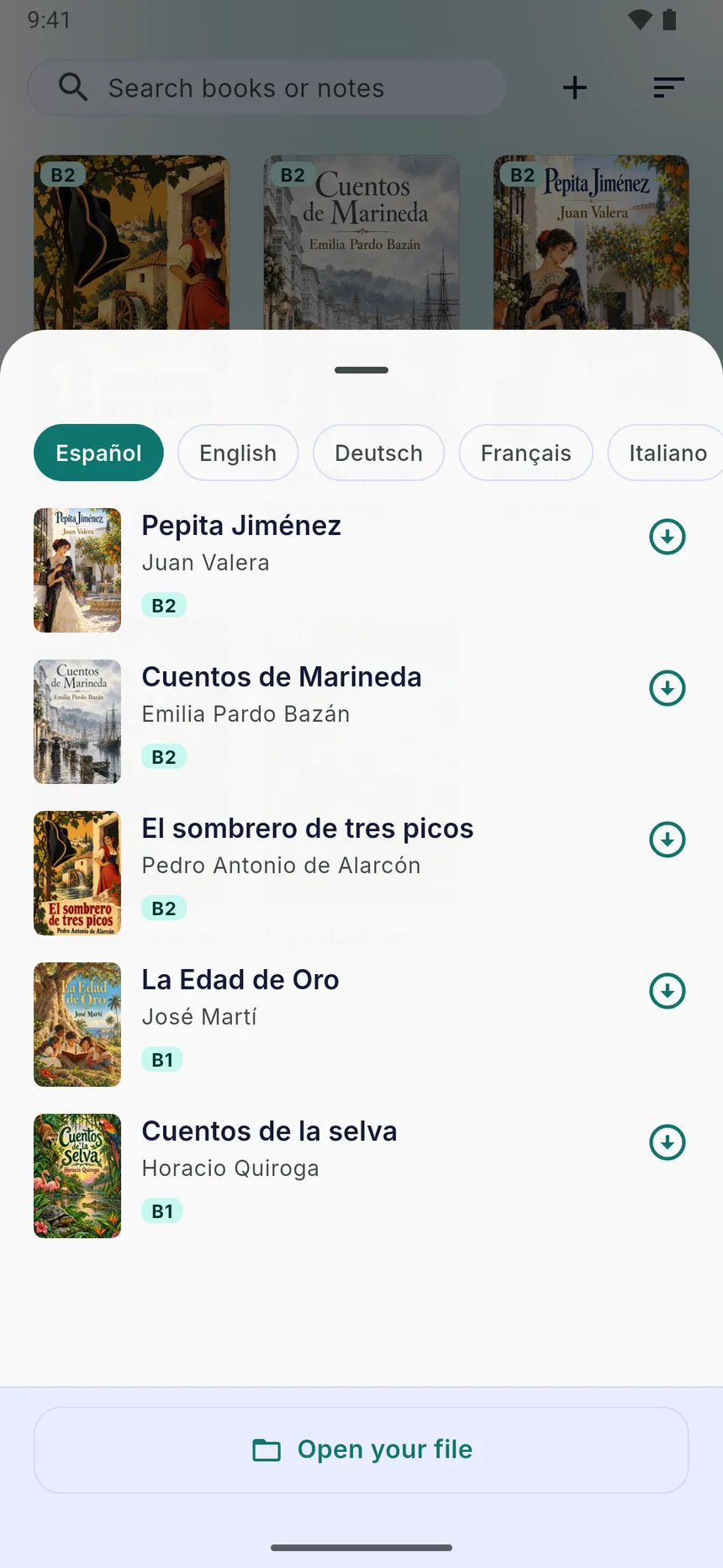
Start with a free classic from the built-in library, sorted by language and difficulty, or open your own EPUB or PDF.
 WordVia
WordVia
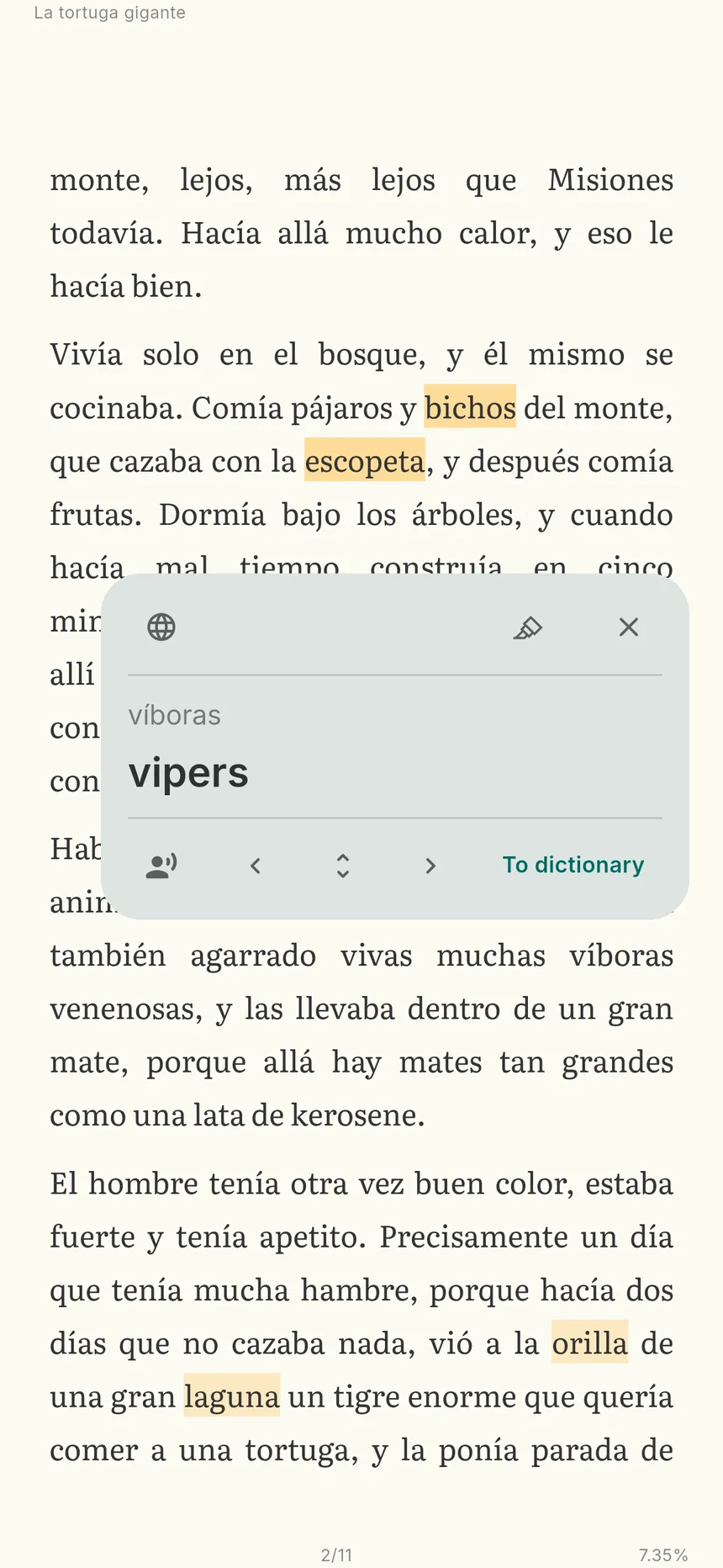
Tap any word to see its translation right in the sentence, and keep reading without getting stuck. Reading comes first — exercises are there when you want them.
Free on iPhone, iPad and Android
The Wonderful Wizard of Oz · Chapter I
Dorothy lived in the midst of the great Kansas prairies, with Uncle Henry, who was a farmer, and Aunt Em, who was the farmer’s wife. Their house was small, for the lumber to build it had to be carried by wagon many miles.
There were four walls, a floor and a roof, which made one room; and this room contained a rusty looking cookstove, a cupboard for the dishes, a table, three or four chairs, and the beds.
Tap any word
1
Chapter I
Start with a free classic from the built-in library, sorted by language and difficulty, or open your own EPUB or PDF.
Chapter II
See a translation that fits the sentence you are reading, not just a dictionary entry. Save the word with one more tap.
Chapter III
Hear the book read aloud, choose the voice and the speed, and follow the text as it is spoken.
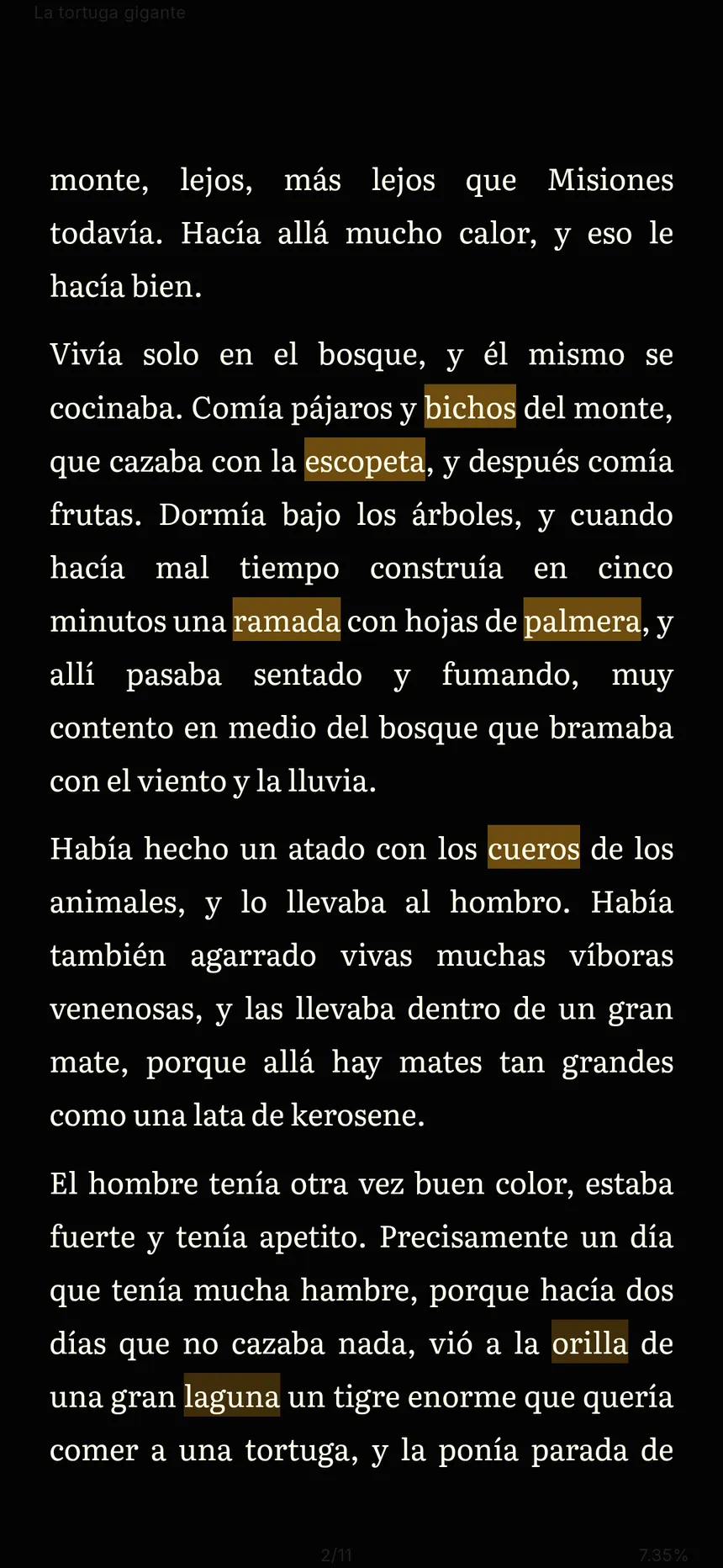
Chapter IV
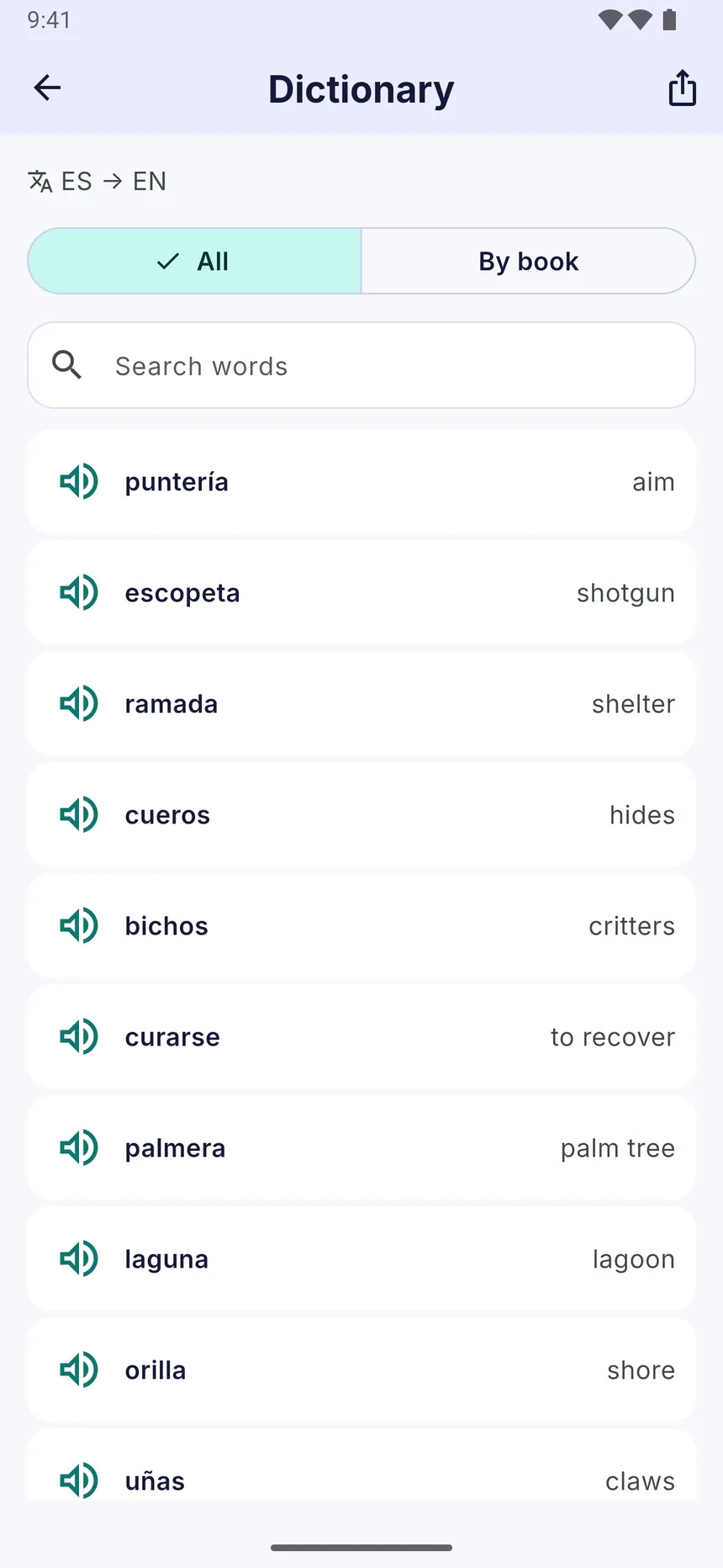
Saved words come back in five short exercises with spaced repetition: Pairs, Fill the gap, Build the phrase, Say it and Repeat by ear.
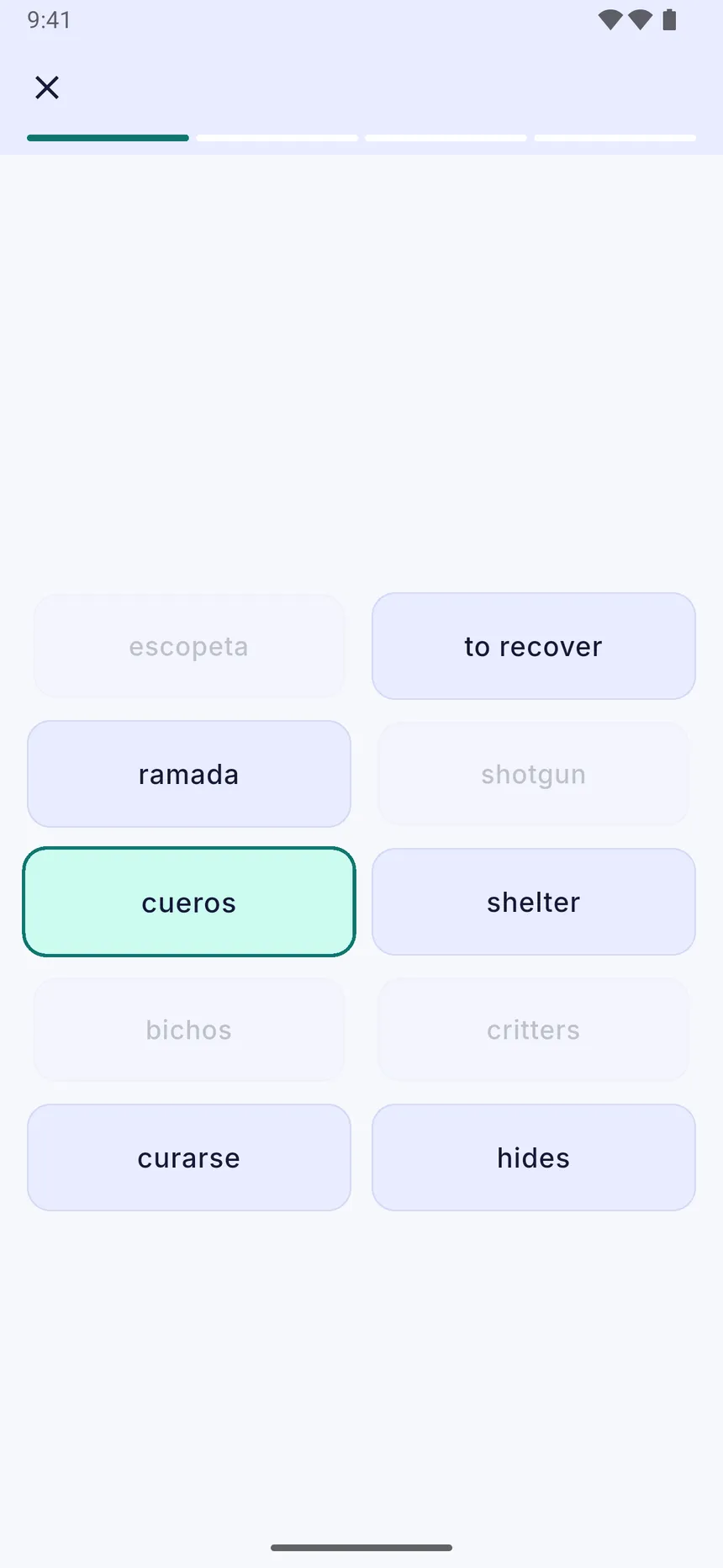
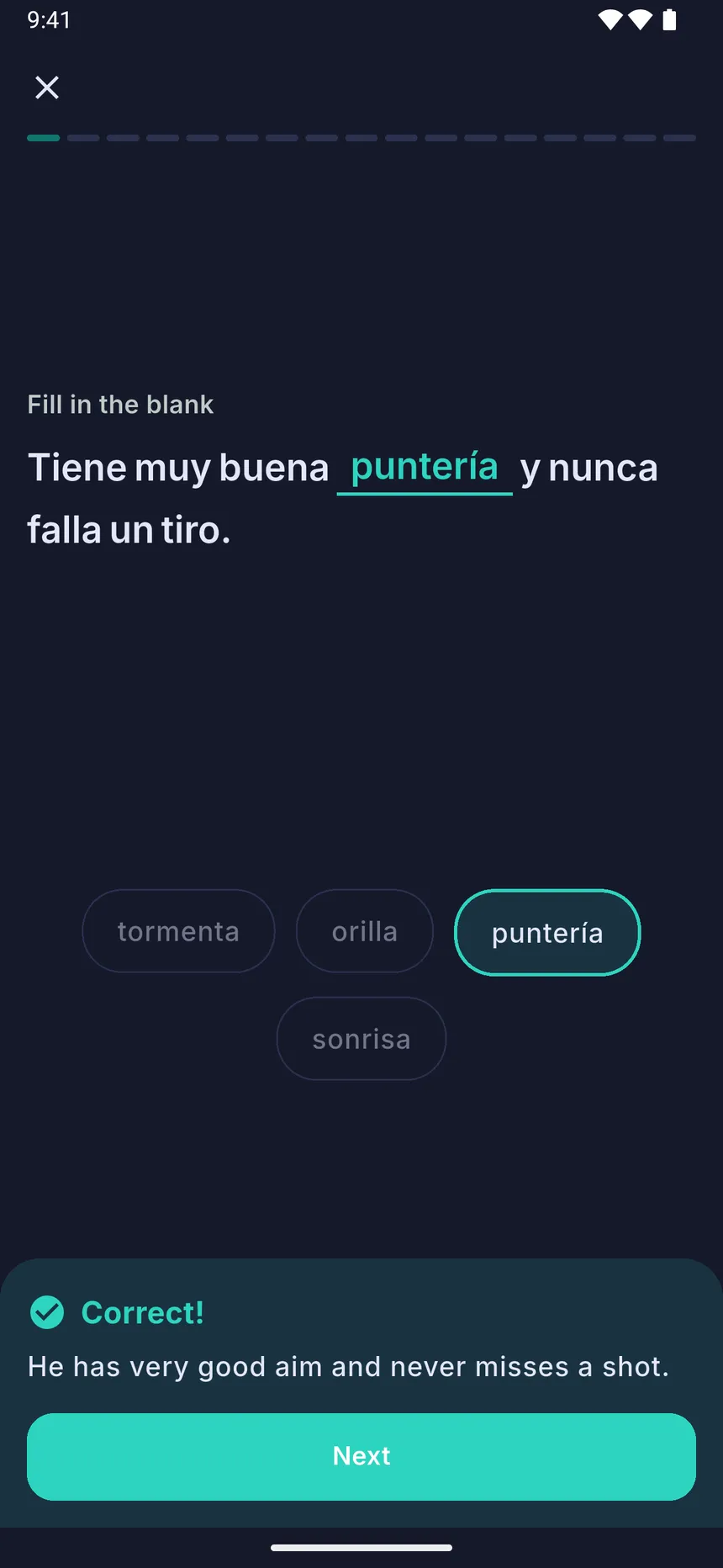
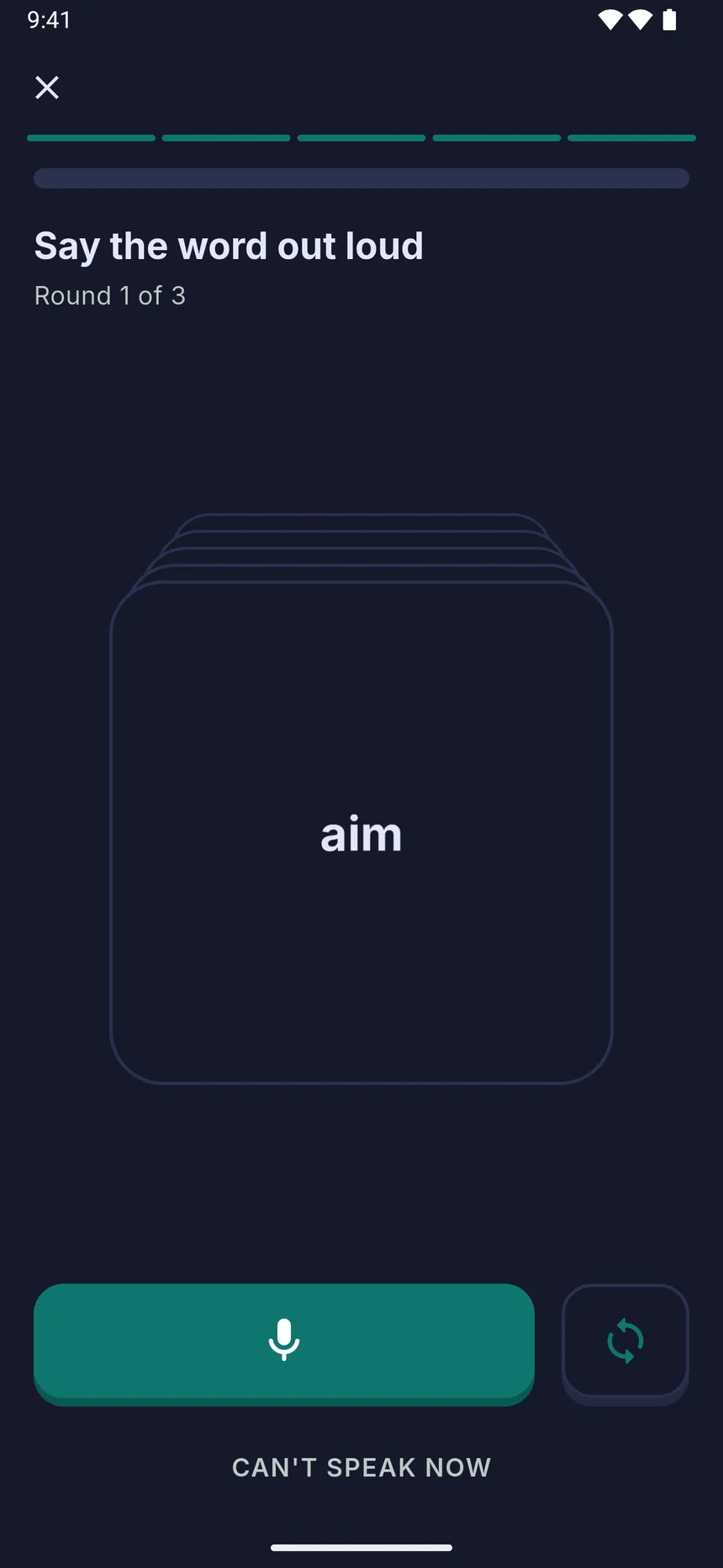
Learn English, Spanish, French, German, Italian, Portuguese, Dutch, Russian, Polish, Turkish, Swedish, Japanese, Korean, Chinese, Arabic and more than 20 other languages. You choose the language of the book and the language of the translations.
Reading, translation, listening and your dictionary are free, with five training sessions a day.
WordVia Premium makes training unlimited. It is an auto-renewing subscription, billed yearly or monthly, with a 7-day free trial for new subscribers.
WordVia is a reading app for learning languages. You read books in the language you are learning, tap any unfamiliar word to see its translation in context, and keep reading. The words you save come back in short optional exercises.
Yes. Open a book in English and get translations into your own language, for example Spanish, Portuguese, German or Russian. The same works for any other language you learn.
English, Spanish, French, German, Italian, Portuguese, Dutch, Russian, Polish, Turkish, Swedish, Japanese, Korean, Chinese, Arabic and more than 20 others. You choose the language of the book and the language of the translations.
Yes. Reading, translation, listening and your dictionary are free, with five training sessions a day. WordVia Premium makes training unlimited; it is billed yearly or monthly and starts with a 7-day free trial for new subscribers.
Yes. Upload your own ebooks in EPUB or PDF and read them with tap-to-translate. If you do not have a book yet, start with a free classic from the built-in library.
Your books are stored on your device, so reading works without internet. Turn on offline translation in the settings and download the language models you need, and tap-to-translate works offline too. Online translation and new exercises need a connection.
WordVia works best for beginners with some basics and for intermediate learners, roughly levels A2 to B2. Pick books that match your level: the free library is sorted by difficulty.
In WordVia you learn words from the books you read, in the sentences where you met them. Reading comes first; the exercises only bring back words you chose to save.
iPhone and iPad with iOS 15.5 or later, and Android phones and tablets. Download WordVia from the App Store or Google Play.
Free on iPhone, iPad and Android